Understanding the hiring workflow
Every vacancy has a workflow — the pipeline that candidates move through from application to hire. Understanding stages and statuses is key to managing candidates efficiently.
Stages
A stage is a step in the hiring process. A typical workflow looks like:
Applied → Screening → Interview → Offer → Hired
Your organisation may use different or additional stages (for example Phone Screen, Technical Test, Client Review, Onboarding). Stages are configured per vacancy and can be based on your company's default workflow. See Vacancy settings → Workflow.
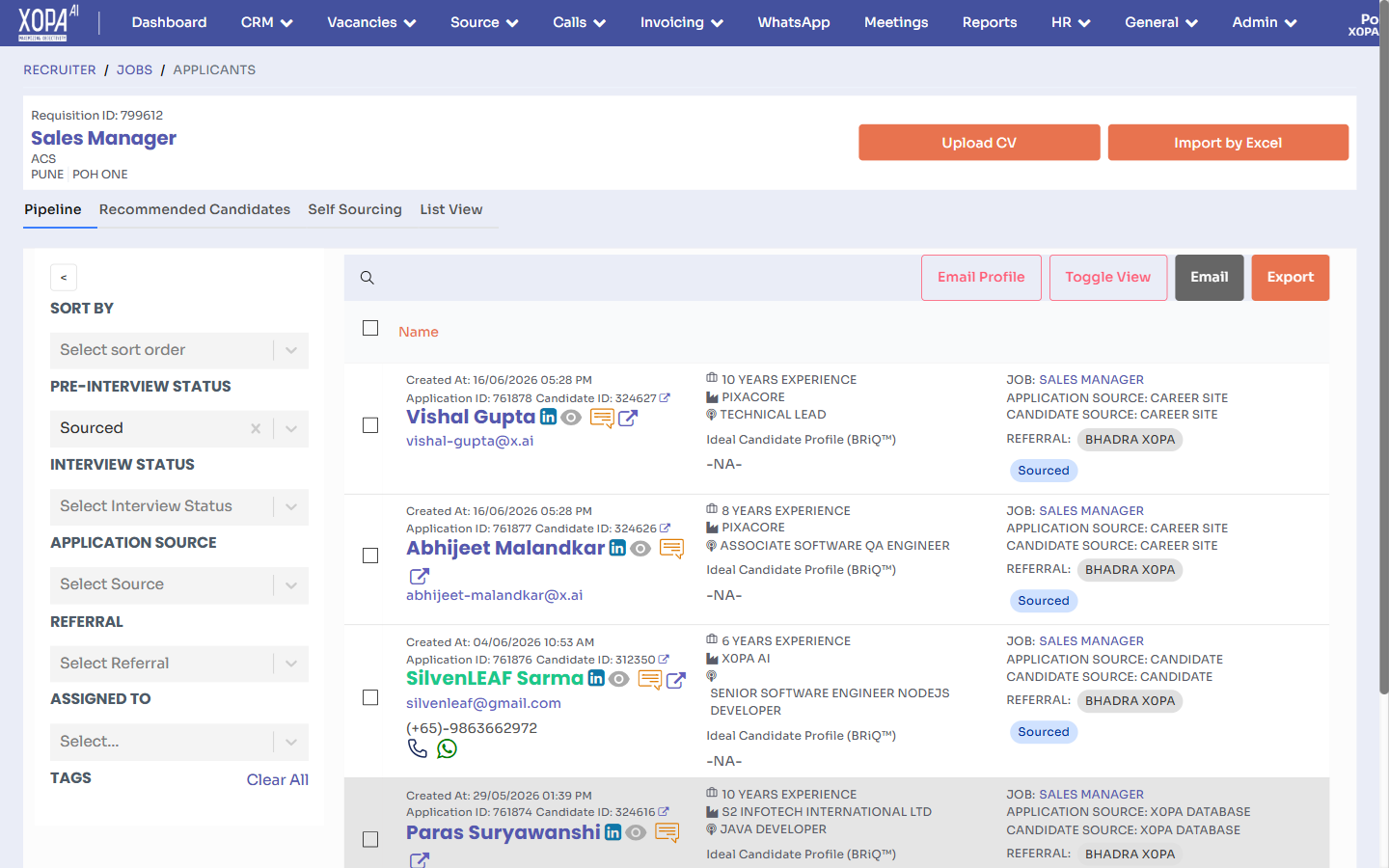
A vacancy's applicants, filtered by pipeline stage (left panel), with each candidate card showing experience, current role, application source, and stage.
Statuses
Within a stage, each candidate has a status that describes their state — for example Shortlisted, On Hold, Awaiting Feedback, or Rejected. Statuses let you track progress without moving a candidate to a new stage.
The pipeline view
Open a vacancy to see its pipeline. Candidates are grouped by stage so you can see how many are at each step and where bottlenecks are. From here you can:
- Open a candidate to review them (Reviewing applicants).
- Move candidates forward or back (Moving through stages).
- Shortlist or reject (Shortlisting & rejecting).
Stage actions & automation
Stages can trigger actions — such as sending an email, requesting prescreening, or scheduling an interview — when a candidate enters or leaves them. Combined with Autopilot, this reduces manual steps.
Applications vs candidates
Remember: a candidate can be in the pipeline of several vacancies at once. Each candidate ↔ vacancy link is an application, with its own stage and status. Moving a candidate in one vacancy doesn't affect their status in another.