Recruiter dashboard
The Dashboard is your home screen after signing in. It gives you an at-a-glance view of your recruiting activity and quick access to the things you work on most.
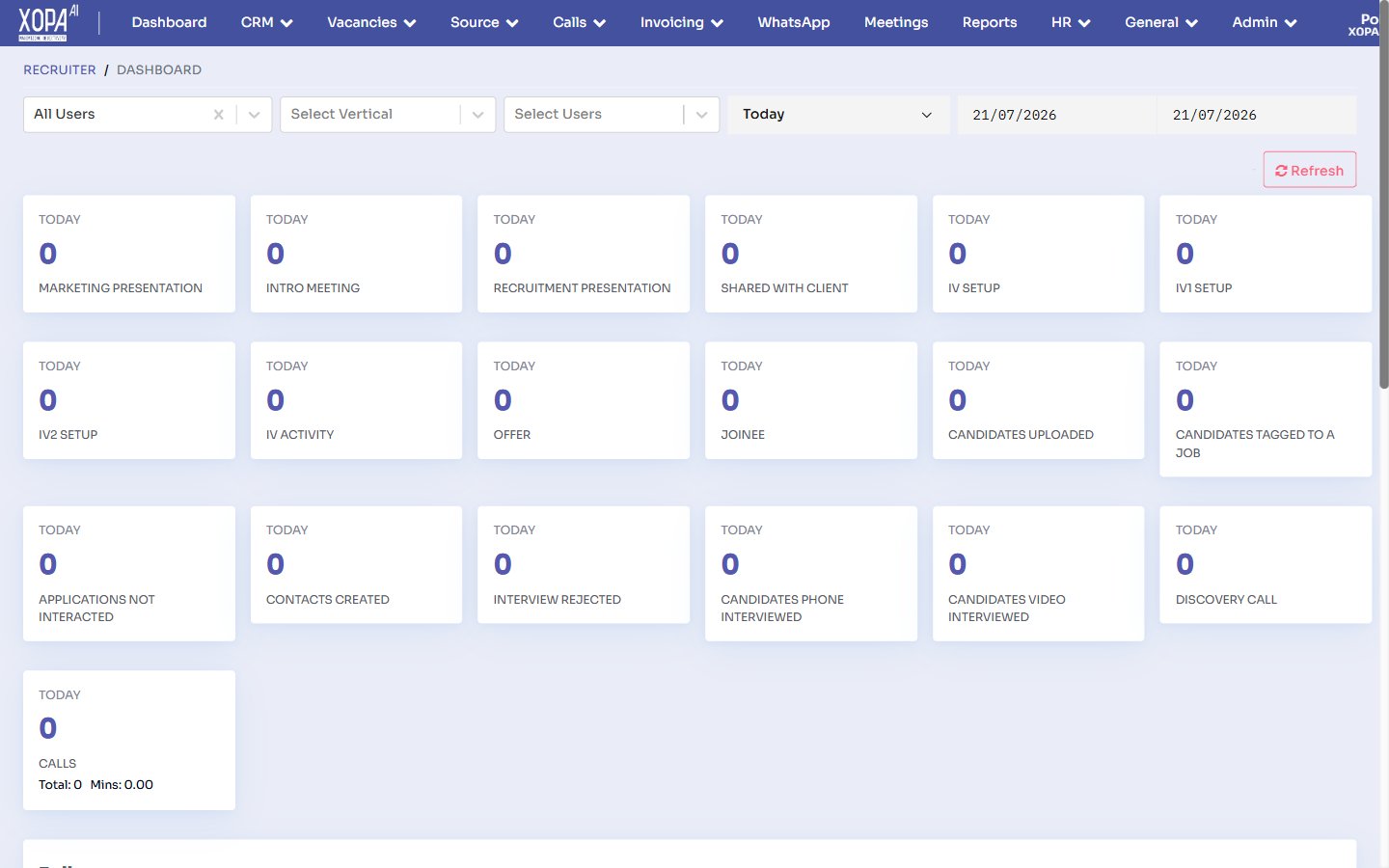
The recruiter dashboard: filters (users, vertical, date range) across the top and a grid of activity metric cards below.
What's on the dashboard
- Summary cards / KPIs — headline numbers such as open vacancies, active candidates, interviews scheduled, and offers in progress.
- Recent applications — the latest candidates who applied or were added, with quick links to their profiles.
- Quick actions — shortcuts to common tasks like adding a vacancy or uploading resumes.
- Activity & alerts — recent pipeline movement and items needing your attention.
Using the dashboard
- Select any metric card to drill into the underlying list (for example, select Open Vacancies to see them all).
- Select a candidate in Recent applications to open their profile.
- Use the Notifications bell in the header for time-sensitive items such as interview feedback due.
tip
Related
- Reports & Analytics — for deeper, filterable metrics.
- Vacancies overview — manage your job openings.